Blindward
A downloadable game for Windows
When the lights fail, find your way by touch.
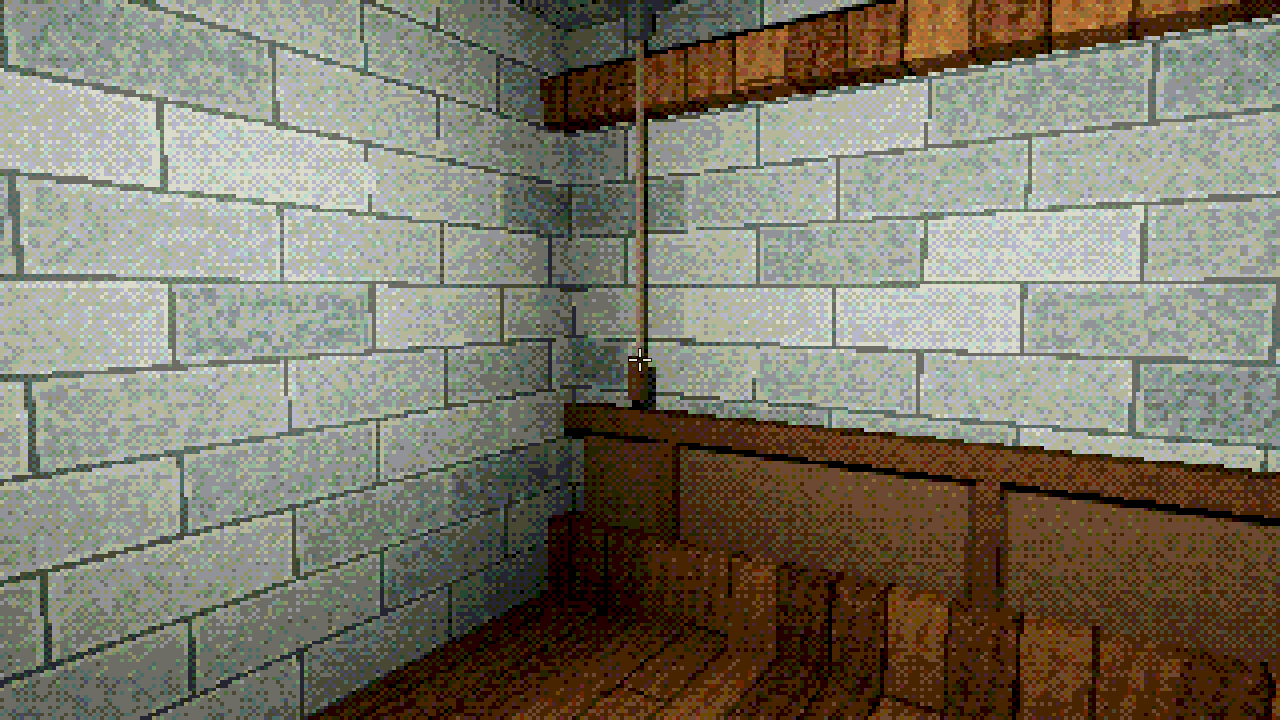
Trapped inside an isolated house in 1908, you must navigate its darkness, solve its puzzles, and restore power to escape.
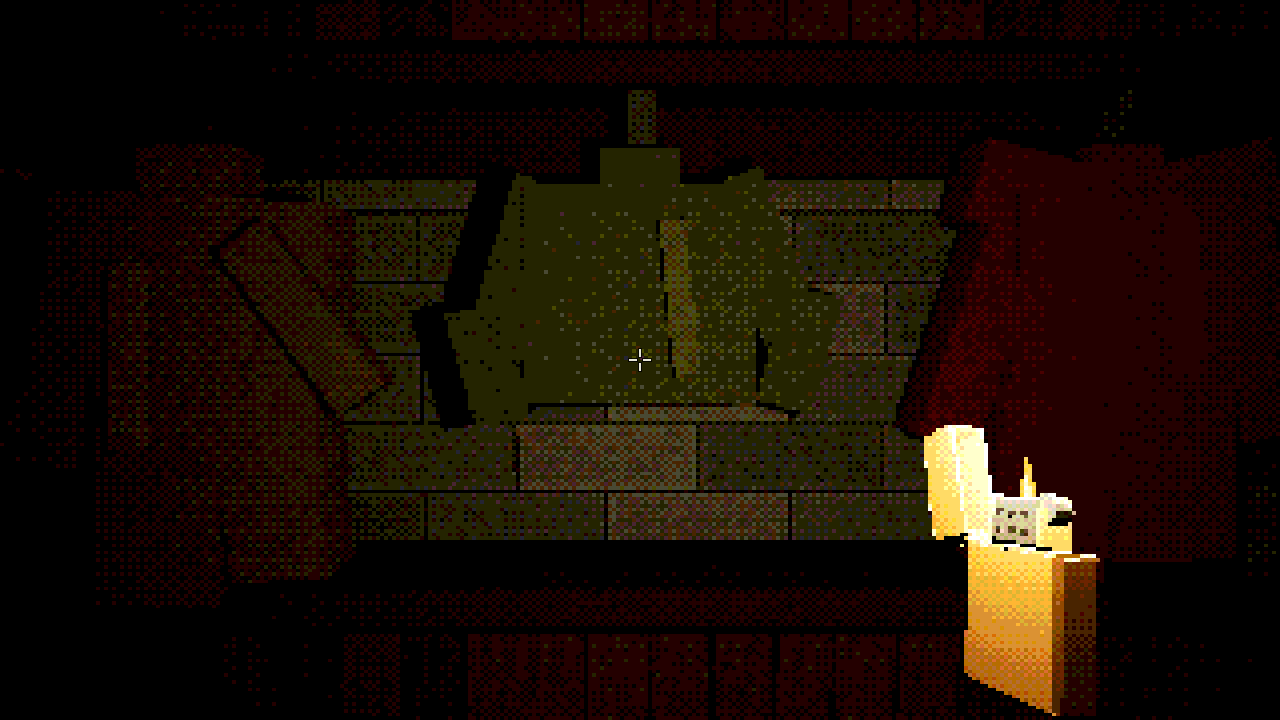
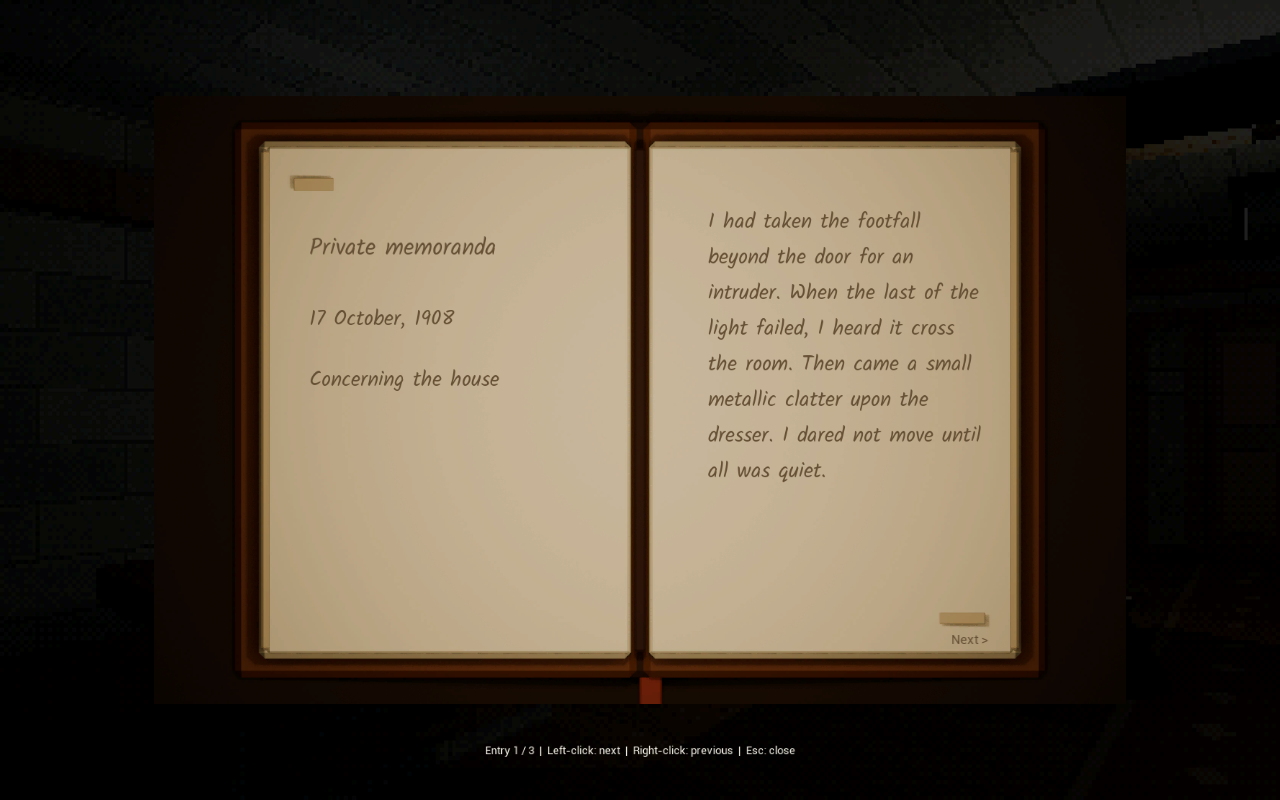
Feel along walls. Search your pockets by touch. Listen for footsteps, keep your lighter close, and use candles as islands of safety. A previous visitor's journal offers clues.
Blindward is a short first-person horror puzzle prototype for Windows. Version 0.1.11 is available free below.
Inside the house
- Explore by touch. Feel nearby surfaces and objects when you can no longer rely on sight.
- Learn your pockets. Recognize what you are carrying through tactile descriptions and sound.
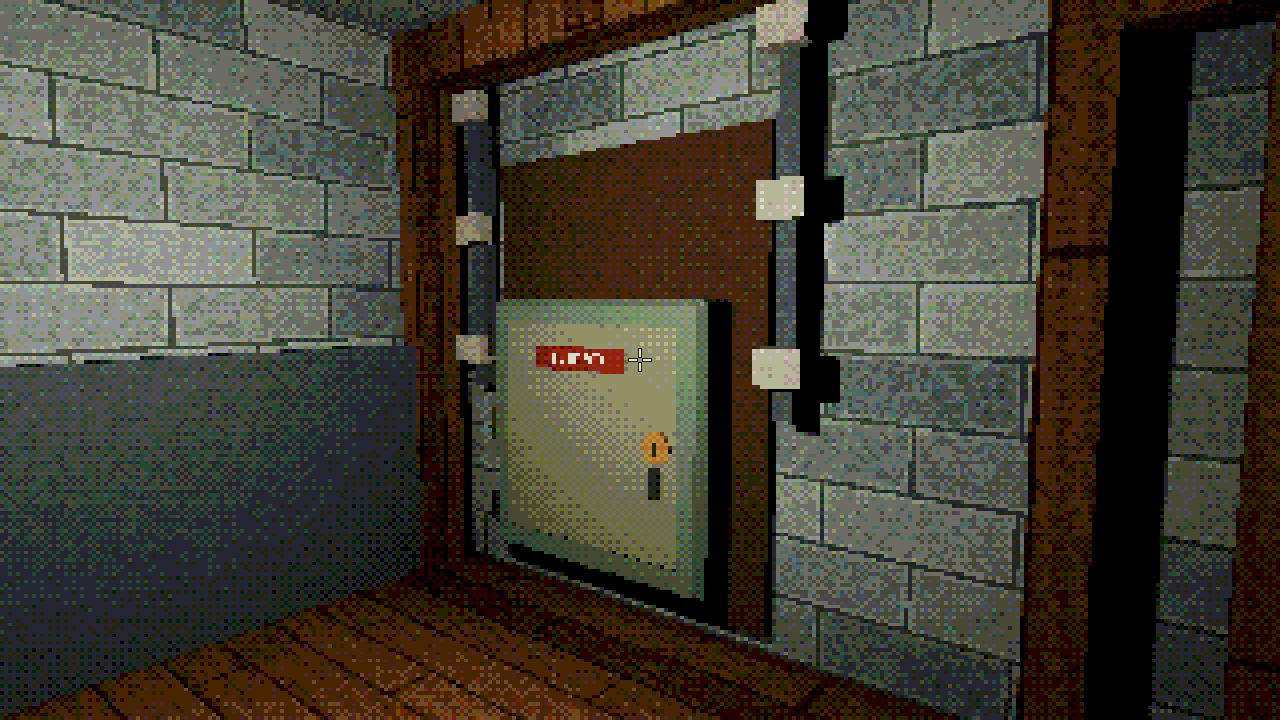
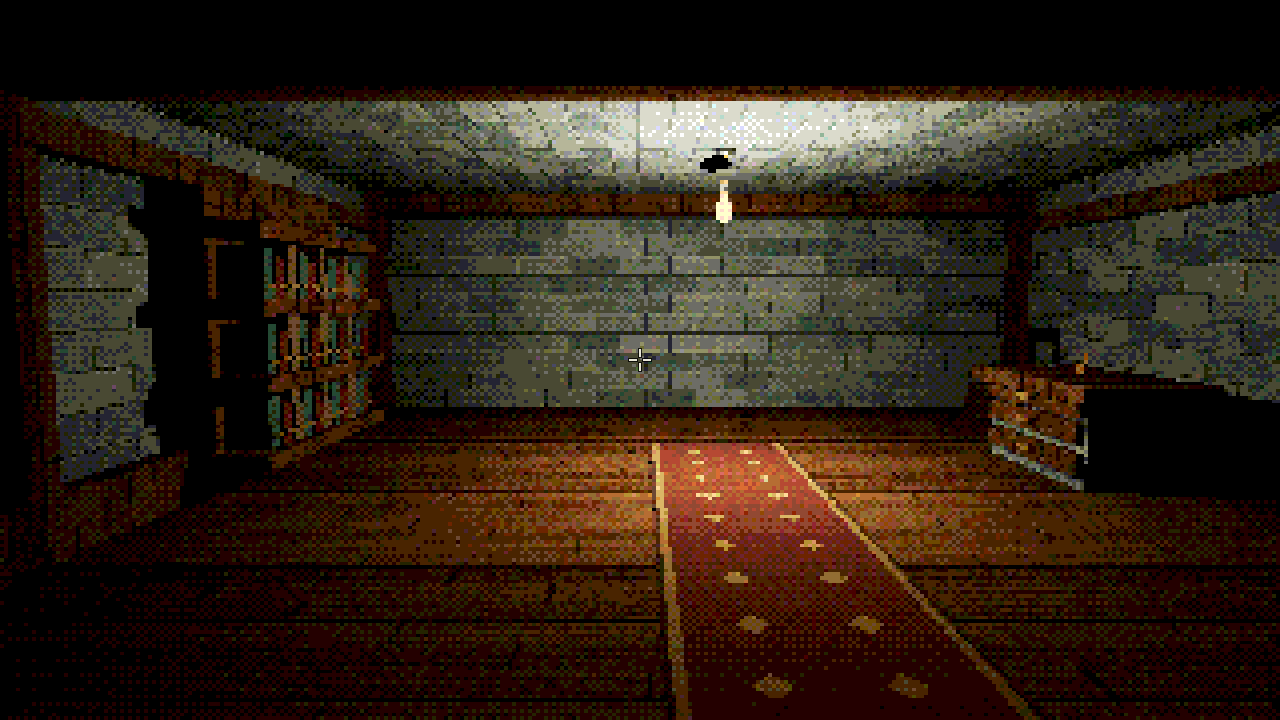
- Keep light within reach. Use your lighter and candles to navigate four distinct rooms.
- Listen closely. Directional sounds and approaching footsteps make darkness part of the puzzle. Headphones recommended.
What's new in 0.1.11?
A revised opening introduces light before pocket inventory. Rooms have more distinct furnishings, hints leave more room for discovery, and lighter visibility and doorway interactions have been improved. New audio includes a breath in the cloak passage, metallic key handling, and footsteps that grow louder as they approach.
How to play
Download Blindward-0.1.11-Windows.zip, extract the entire ZIP, and run Blindward.exe from the extracted folder. Keep all files together. Unreal Engine is not required.
Windows notice: Blindward is an unsigned Windows prototype. Windows may display an “Unknown Publisher” or Microsoft Defender SmartScreen warning when launching it. This build does not have a verified publisher signature. Only run downloads from sources you trust; do not disable your antivirus. A “SmartScreen can't be reached” message means its checking service is unavailable, rather than a malware detection.
Controls
- WASD / mouse — Move / look
- Left mouse — Take or use an object
- Tap right mouse — Feel a nearby surface or object
- Hold right mouse — Search pockets by touch; move the mouse up/down or scroll to choose a slot, then left-click to draw the item
- Tab — Alternative pocket toggle
- F / G — Stow / place or drop the held item
- H — Show or hide help and tutorial prompts
- Esc — Pause or close the journal
- F6 — Restart from the beginning
Returning from an older build? Press F6 to experience the revised opening.
Help shape Blindward
This is an early prototype, and feedback is welcome. Which moment stayed with you? Where did you get stuck? Were the pocket controls and directional sounds understandable?
Download
Install instructions
Download Blindward-0.1.11-Windows.zip. Extract the entire ZIP, keep all files together, and launch Blindward.exe. Unreal Engine is not required. If Windows reports missing runtime components, run the included Engine/Extras/Redist/en-us/vc_redist.x64.exe.
Unsigned Windows prototype: Windows may show an Unknown Publisher or SmartScreen warning. This release has no verified publisher signature. Only run files from sources you trust; do not disable antivirus protection. If SmartScreen cannot be reached, check your connection and try again.
Headphones recommended. Returning players: F6 starts the revised opening. Controls and audio credits are included in the download.
Development log
Comments
Log in with itch.io to leave a comment.
this is one of the best puzzles I have ever played. Keep up the good work. Hopefully it can turn into a HUGE hit.